

What AI Aggregator Tools Do
AI aggregator tools bring multiple AI models and services under one login and interface, so users can compare model outputs, switch tools mid-task, and manage a single subscription instead of several. Beyond chat, some aggregators extend into image generation, video tools, voice interfaces, and workflow automation, functioning as broader all-in-one AI platforms rather than simple model switchers.
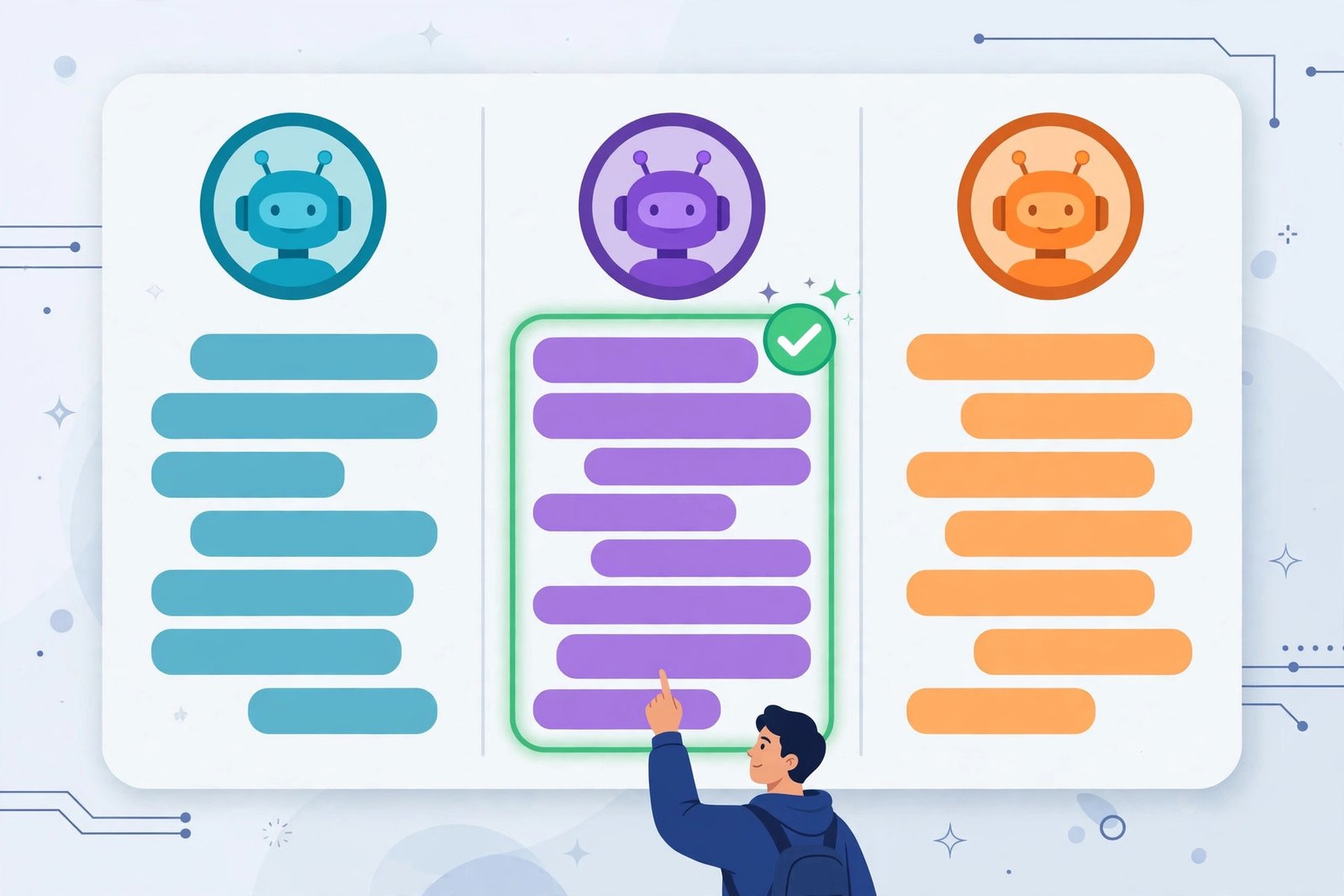
Two Different Types of “Aggregator”
Multi-Model Chat Workspaces
These curate a handful of flagship models (typically 3 to 6) in a shared workspace, often with shared memory, prompt libraries, and consistent features across models, prioritising depth of workflow over sheer model count.
Directory-Style Aggregators
These are built around breadth: connecting users to dozens or even hundreds of AI tools and models through one account, prioritising coverage so users never have to hunt for a specific niche tool elsewhere.
Developer-Focused API Aggregators
A separate category functions as an API gateway for developers building applications, billed per token rather than through a flat consumer subscription, distinct from consumer-facing chat aggregators.
Why Users Choose Aggregator Tools
- Comparing outputs across models to refine prompts and get more reliable answers
- Removing the friction of switching between separate apps and accounts for different tasks
- Keeping project chats, files, and prompts searchable in one shared workspace
- Simplifying budgeting with one subscription instead of several overlapping ones
- Accessing niche or specialised tools without individually researching and signing up for each
Comparing Aggregator Types
| Type | Best for | Trade-off |
|---|---|---|
| Multi-model chat workspace | Users who want depth and consistency across a few flagship models | Fewer total models/tools than directory-style options |
| Directory-style aggregator | Users who want maximum tool variety and coverage | Less curation; quality varies more across listed tools |
| API aggregator (developer) | Building applications on top of multiple models | Usage-based billing, not a flat consumer subscription |
What to Check Before Choosing an AI Aggregator Tool
- Whether pricing is flat-fee, point/credit-based, or usage-based, since this changes the real cost at scale
- Whether points or credits are consumed even on failed or rejected responses
- Which specific model versions are included, since cheaper plans sometimes carry older or lower-tier models
- The platform’s own data retention and privacy policy, separate from each underlying model provider’s policy
- Whether a genuinely usable free tier exists to test the workflow before subscribing
Frequently Asked Questions
What is the difference between an AI aggregator and using each AI model directly?
An aggregator consolidates access to multiple models under one subscription and interface, while using each model directly means separate accounts, logins, and bills for each provider.
Are AI aggregator tools safe for sensitive data?
Since a third-party aggregator sits between the user and the underlying model provider, its own data retention and privacy policy should be reviewed separately before sharing sensitive information.
Do aggregator tools include the newest AI models?
This varies by platform and plan. Some include the latest flagship models across all tiers, while others reserve newer models for higher-priced plans.
Is a directory-style aggregator better than a curated multi-model workspace?
It depends on the goal. Directory-style tools offer more breadth and tool variety, while curated workspaces typically offer more consistency and depth across a smaller set of flagship models.
How Aggregators Work, and Where Your Money Goes
An aggregator buys API access to models from OpenAI, Anthropic, Google, Meta, and other labs, then wraps them in one interface and one subscription. Your prompt goes to the aggregator, which calls the vendor’s API and returns the answer. The model itself is the same model the vendor serves, so a GPT answer inside an aggregator is not a weaker copy. What changes is everything around the model: the interface, the billing, the features, and how fast new models appear.
Billing is where aggregators differ most, and it is where buyers get caught out. Poe meters in points per message, so a long answer costs more than a short one. ChatHub charges a subscription for a set number of messages, with only a smaller share reaching the advanced models, so the headline message count runs out faster than it looks. Abacus ChatLLM charges around 10 dollars a month for access to many models. TypingMind charges a one time licence fee and no usage bill at all, because you plug in your own API keys and pay the providers directly. Before you subscribe, work out which metering fits how you actually chat. Heavy daily users suit subscriptions. Occasional users suit pay as you go or bring your own keys.
There are three catches to check before you switch. First, metering opacity: credits, points, and message counts are hard to compare, so test with your real workload during a trial. Second, slower access to new flagship models: aggregators can lag behind the vendor’s own app when a new model launches. Third, missing vendor native features: tools like Projects, Canvas, and memory inside ChatGPT or Claude may not exist inside an aggregator at all. If your workflow depends on one of those features, stay with the vendor app for that job, even if you use an aggregator for everything else.
Picking an Aggregator by the Job, Not the Model Count
More models is not a better product. Pick by the job instead. If your job is checking one answer against another, because a single model can be confidently wrong, choose a side by side tool like ChatHub, which sends one prompt to up to six models at once and shows the answers next to each other. That view is excellent for testing and for high stakes answers. It is awkward for daily work, because most people do not need four answers to every message, so use it for decisions, not for every chat.
If your job is everyday chat across model families, choose a chat aggregator with one clean interface, such as Poe for model variety and community bots, or Abacus ChatLLM for the lowest entry price with many models. If your job spans text, images, and video, choose a cross modal aggregator that puts creative tools on the same plan, so one subscription replaces several. If you build apps, choose an API router like OpenRouter, which gives you one API and one bill for hundreds of models, called from code. Each type solves a different problem, and the wrong type will frustrate you no matter how good its model list looks.
A practical test takes one week. Run your five most common tasks through the aggregator: a writing task, a research task, a coding or spreadsheet task, an image task if you need one, and a follow up conversation where the tool must remember context. Score each task on answer quality, speed, and cost in credits or points. If two or more tasks feel worse than the vendor app, the aggregator is not saving you money. It is costing you quality in exchange for a tidier bill.
Is an aggregator cheaper than subscribing to each model separately?
Usually yes, if you genuinely use more than one model family. One 20 dollar subscription replaces three separate 20 dollar subscriptions. But if you only ever use one model, an aggregator is not cheaper. It is an extra layer between you and the model you already pay for, so stay with the vendor app in that case.
Do aggregators get new models as fast as the official apps?
Not always. Aggregators depend on vendor API access, so a brand new flagship model can arrive later inside an aggregator than inside the vendor’s own app. If being first to a new model matters for your work, check the aggregator’s model list on the day you subscribe, and recheck it when a major model launches.
Final Thoughts
AI aggregator tools solve a real and growing problem: managing access to multiple AI models without juggling separate subscriptions and interfaces. The right type depends on whether breadth of tools or depth of workflow across a few flagship models matters more, and checking pricing structure and data policy before subscribing avoids surprises later.
Related reading: Cheapest AI Aggregator and Future Tools (FutureTools.io).
About the author: The AI Uptrend editorial team covers AI tools, platforms, and industry trends to help readers evaluate new technology with a clear, practical lens.