Grammar Checkers Have Moved Beyond Comma Fixes
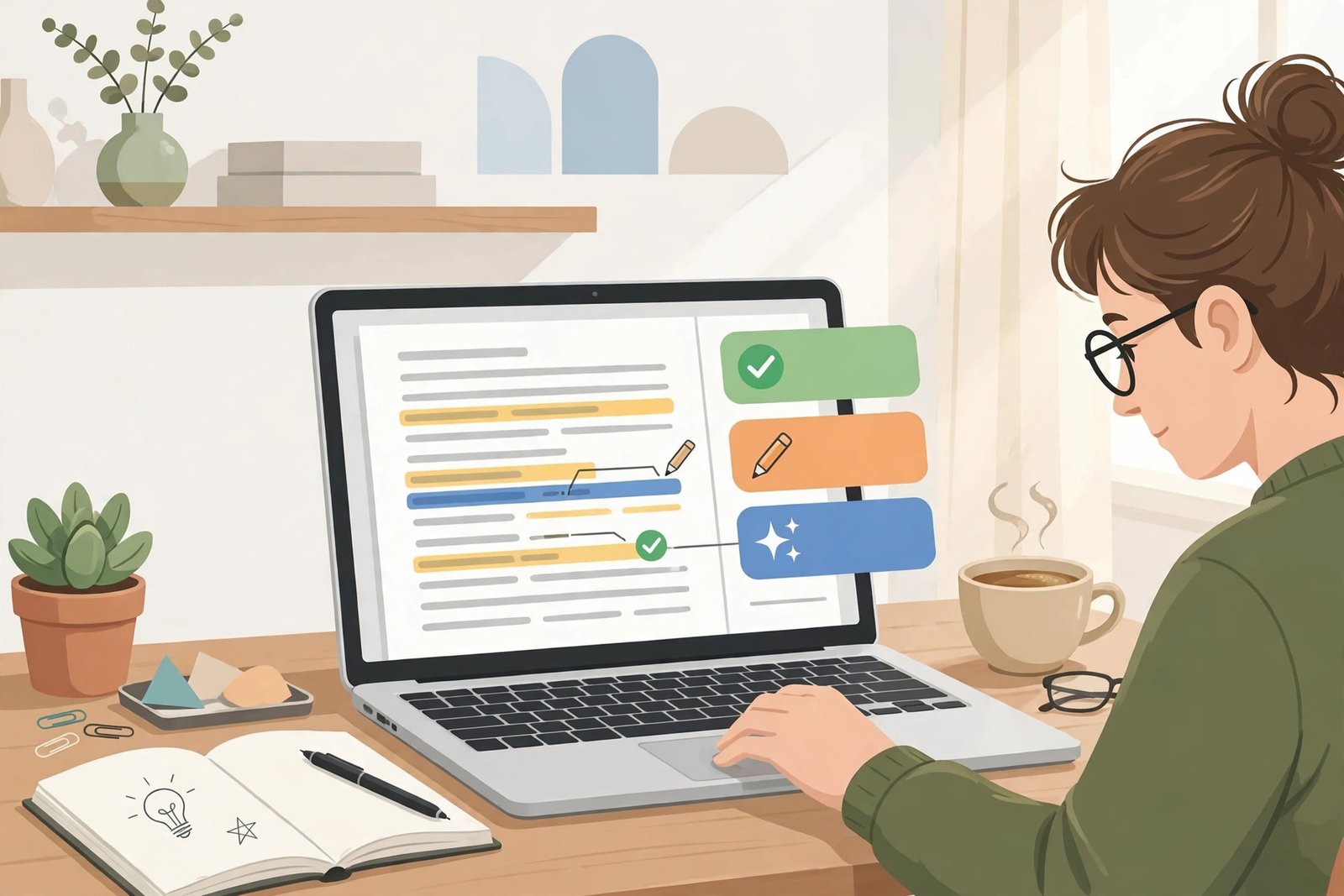
AI grammar checkers used to mean catching typos and missing commas. In 2026, the strongest tools catch style inconsistencies, suggest sentence rewrites, adapt to brand voice profiles, and increasingly act as a basic editorial pass before human review. Choosing the right one is less about which tool catches the most errors and more about which fits your specific writing context, general business writing, academic work, multilingual content, or team-wide brand consistency.
Categories of Grammar and Writing Tools
General-Purpose All-Rounders
Broad tools cover grammar, spelling, tone, and clarity across nearly every platform you write in, browser, desktop, Google Docs, Word, Slack, making them the lowest-friction choice for most everyday professional writing.
Academic and Technical Specialists
Some tools are specifically tuned to discipline-specific writing conventions that general-purpose checkers miss, edging out broader tools for academic papers and technical documentation.
Multilingual Checkers
Tools built around broad language coverage handle 30+ languages at production quality, useful for writers who work across languages rather than English-only, since general-purpose tools are typically optimised primarily for English.
Readability-Focused Tools
A narrower category isn’t a full grammar checker at all, focusing specifically on showing exactly where writing becomes hard to read and helping trim dense, complex sentences.
Enterprise Style-Guide Platforms
Built for teams needing consistent brand voice across many writers, these enforce custom style guides, manage approval workflows, and provide content analytics rather than targeting individual writers.
What to Compare Across Tools
| Factor | Why it matters |
|---|---|
| False-positive rate | A tool that flags fewer, more accurate issues beats one flagging many low-value suggestions |
| Platform coverage | Check whether a tool integrates with your actual writing tools (browser, Docs, Word, Slack) |
| Language coverage | Matters significantly for non-English or multilingual writers |
| Privacy/local processing | Some tools process text locally rather than sending it to external servers, relevant for sensitive content |
| Free tier generosity | Ranges from genuinely unlimited free checking to capped credits requiring a paid upgrade |
How to Choose the Right Tool
- Match the tool to your primary writing context first, general business writing, academic, technical, or multilingual, since specialists often outperform generalists in their focus area
- Test the free tier on your actual writing before paying, since suggestion quality and false-positive rates vary meaningfully between tools
- For teams needing consistent brand voice, prioritise enterprise style-guide platforms over individual-focused checkers
- If privacy matters for your content, check whether a tool offers local processing rather than sending text to external servers
Frequently Asked Questions
What is the best free AI grammar checker?
Several tools offer genuinely capable free tiers, though limits vary: some cap AI suggestions behind a paid upgrade while catching basic errors for free, while others offer more generous unlimited checking with fewer advanced features.
Are AI grammar checkers accurate for academic writing?
General-purpose checkers handle standard grammar well, but specialist academic tools tend to outperform them specifically because they understand discipline-specific conventions that general-purpose checkers can miss.
Do AI grammar checkers work in languages other than English?
This varies significantly; some tools are primarily English-optimised, while dedicated multilingual checkers offer production-quality accuracy across 30+ languages.
Is a grammar checker enough, or do I need a separate readability tool?
This depends on your goal; grammar checkers focus on correctness, while dedicated readability tools focus specifically on sentence complexity and clarity, and some writers use both together.
Grammarly vs ProWritingAid: A Worked Comparison
Grammarly and ProWritingAid are often presented as identical spelling checkers. In practice, they represent two different philosophies of editing. Grammarly is a passive, always on utility. It sits in your browser, your desktop apps, and your phone, underlines problems as you type, and suggests fixes inline in milliseconds. It works across hundreds of thousands of apps without forcing you to change how you write. That ubiquity is why it wins for most professionals, knowledge workers, and teams who write dozens of short to medium pieces every day: emails, messages, documents, and social posts.
ProWritingAid is a deep diagnostic tool. It runs more than 20 reports over a whole document: pacing, sticky sentences, repetition, dialogue tags, sentence length variety, and passive voice patterns. That depth suits authors, novelists, academics, and long form writers working on multi chapter manuscripts. It also integrates natively with Scrivener on Mac and Windows, which Grammarly does not, so fiction writers who live in Scrivener have a clear reason to pick it. In one independent test on 23 planted errors, Grammarly’s free plan caught all 23, while ProWritingAid caught 18, but that test measured surface errors, not the structural analysis where ProWritingAid is strongest. Judge each tool on the job it is built for, not on a single score.
Price tells a similar split story. Grammarly Pro costs around 144 dollars a year on annual billing, or 30 dollars a month if you pay monthly. ProWritingAid Premium costs around 120 dollars a year, also 30 dollars a month, but it offers a 399 dollar lifetime licence that Grammarly does not offer at all. Over three years, the lifetime plan can save a committed writer a large sum. Over one year, the difference is small, so do not let 24 dollars a year decide a tool you will use every day. Free plans differ far more: Grammarly’s free tier covers unlimited basic text, while ProWritingAid’s free web checker limits you to 500 words per check. If you write a lot and pay nothing, Grammarly’s free plan is the stronger starting point.
Choosing by the Writing You Actually Do
Start from your writing, not from a feature list. If you write short pieces all day across many apps, pick Grammarly, free first, then Pro if you want tone help and generative rewrites. Its 2,000 monthly generative AI prompts on Pro cover most daily rewriting needs. If you write books, theses, or long reports, pick ProWritingAid, and run its reports on a full draft, not on a single paragraph, because its value shows at document scale.
If you write in more than one language, pick LanguageTool. It checks more than 30 languages, while Grammarly covers fewer languages, with more added in beta in 2026, and ProWritingAid works in English only. If you want a free proofreader for a finished draft rather than an always on checker, try a general chatbot: in the same 23 error test, ChatGPT caught 22 of 23 and explained every fix. That makes a chatbot a strong second pass, but a weak first line of defence, because you must remember to paste your text in. A passive checker catches the mistake you forgot to check for.
One honest workflow beats any single tool on its own. Use a passive checker (Grammarly free) running in your browser every day, then run anything important through a second pass: a chatbot for a quick proofread, or ProWritingAid’s reports for a long document. Read the final version aloud once before you send it. No checker, however good, replaces that last human read, because tone, facts, and audience fit are still your job, not the tool’s.
Is Grammarly Pro worth paying for in 2026?
It is worth it if you write at high volume across many apps and want tone help and rewrites where you type, without switching tools. It is not worth it if you only proofread finished drafts now and then. In that case, use Grammarly free every day and a chatbot free tier for important drafts, and keep the subscription money.
Can a grammar checker fix academic or legal writing on its own?
No. A checker catches grammar, spelling, and style issues, but it cannot verify your facts, your citations, or whether your argument holds up. For academic work, use the checker for polish, then check citations and claims separately, and follow your institution’s rules on AI assistance before submitting anything.
Final Thoughts
The best AI grammar checker depends on what you’re actually writing, general professional content, academic work, multilingual text, or team-wide brand voice, rather than any single tool leading across every category. Testing a shortlisted tool’s free tier against your own real writing remains more reliable than any ranked list alone.
About the author: The AI Uptrend editorial team covers AI tools, platforms, and industry trends to help readers evaluate new technology with a clear, practical lens.