How AI Photo Enhancement Actually Works
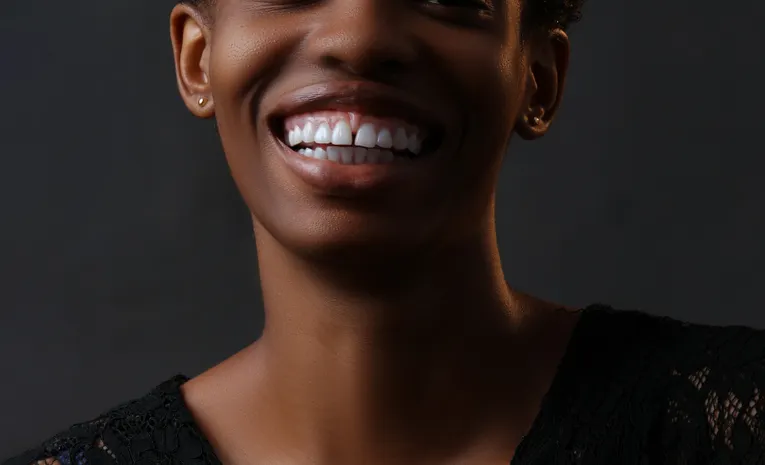
AI photo enhancers and upscalers use neural networks to add detail and resolution that was never in the original file, producing results that look like the photo was captured at higher quality from the start. The AI image upscaler market reached roughly $8 billion in 2026, growing near 28% annually, and the underlying technology has matured quickly: tools that produced plastic-looking skin and hallucinated textures two years ago now reconstruct pores, fabric weave, and fine detail that holds up under close inspection.
Faithful vs Creative Upscaling: The Key Distinction
Modern upscalers offer two genuinely different modes, and knowing which one you need saves significant trial and error. Faithful upscaling stays as close to the original as possible, sharpening and adding resolution without changing composition, best for product photos, documents, and any image where accuracy matters. Creative upscaling lets the AI reinterpret and add detail that wasn’t visible, generating skin texture, fabric patterns, and background elements based on context, best for AI-generated art, old damaged photos, and creative projects where dramatic improvement matters more than strict fidelity.
What to Compare Across Tools
| Factor | Why it matters |
|---|---|
| Faithful vs creative/generative mode | Determines whether output stays true to the original or reinterprets missing detail |
| Maximum upscale factor | Ranges widely, from 4x on some free tools to 16x-40x on premium desktop software |
| Local vs cloud processing | Local processing keeps images private but requires a capable GPU; cloud tools are more accessible but upload your images |
| Content-specific models | Dedicated models for portraits, product shots, old scans, or anime typically outperform a single general-purpose model |
| Batch processing | Matters significantly for e-commerce sellers or anyone processing many images at once |
Choosing by Use Case
- Old or damaged family photos: prioritise creative/generative upscaling designed for restoration, not just sharpening
- Product photography: prioritise faithful upscaling that won’t alter composition or introduce unwanted detail
- Print use: check for built-in DPI control and print-size presets rather than manually calculating output resolution
- Privacy-sensitive images: prioritise local desktop processing over cloud-based tools that require an upload
- Quick, casual use: several genuinely free, no-signup tools now produce strong 4x results for everyday needs
Frequently Asked Questions
Is there a good free AI photo upscaler?
Yes, several tools offer genuinely strong free upscaling, commonly up to 4x, with no account required, though premium tools generally offer higher maximum scale factors and more specialised models.
What is the difference between AI upscaling and traditional resizing?
Traditional resizing (interpolation) stretches existing pixels and typically looks soft or blurry at large sizes; AI upscaling uses neural networks to generate genuinely new, plausible detail, producing sharper, more natural-looking results.
Will AI upscaling change my photo’s content?
This depends on the mode: faithful upscaling preserves the original composition and detail, while creative or generative upscaling can add new texture and detail that wasn’t in the source image, which is intentional for restoration and creative work but not ideal for accuracy-sensitive use cases.
Is it safe to upload personal photos to a cloud-based upscaler?
This depends on the specific tool’s privacy policy; for sensitive images, a local desktop tool that processes on your own machine avoids uploading photos to a third-party server entirely.
Final Thoughts
AI photo enhancers and upscalers have crossed a real quality threshold, and the right choice depends less on chasing the highest advertised scale factor and more on matching the tool’s mode, faithful or creative, to your actual use case. Testing a shortlisted tool on your own image before committing to a paid plan remains the most reliable way to judge real-world quality.
Related reading: Best AI Background Remover and Best AI Video Generator.
About the author: The AI Uptrend editorial team covers AI tools, platforms, and industry trends to help readers evaluate new technology with a clear, practical lens.