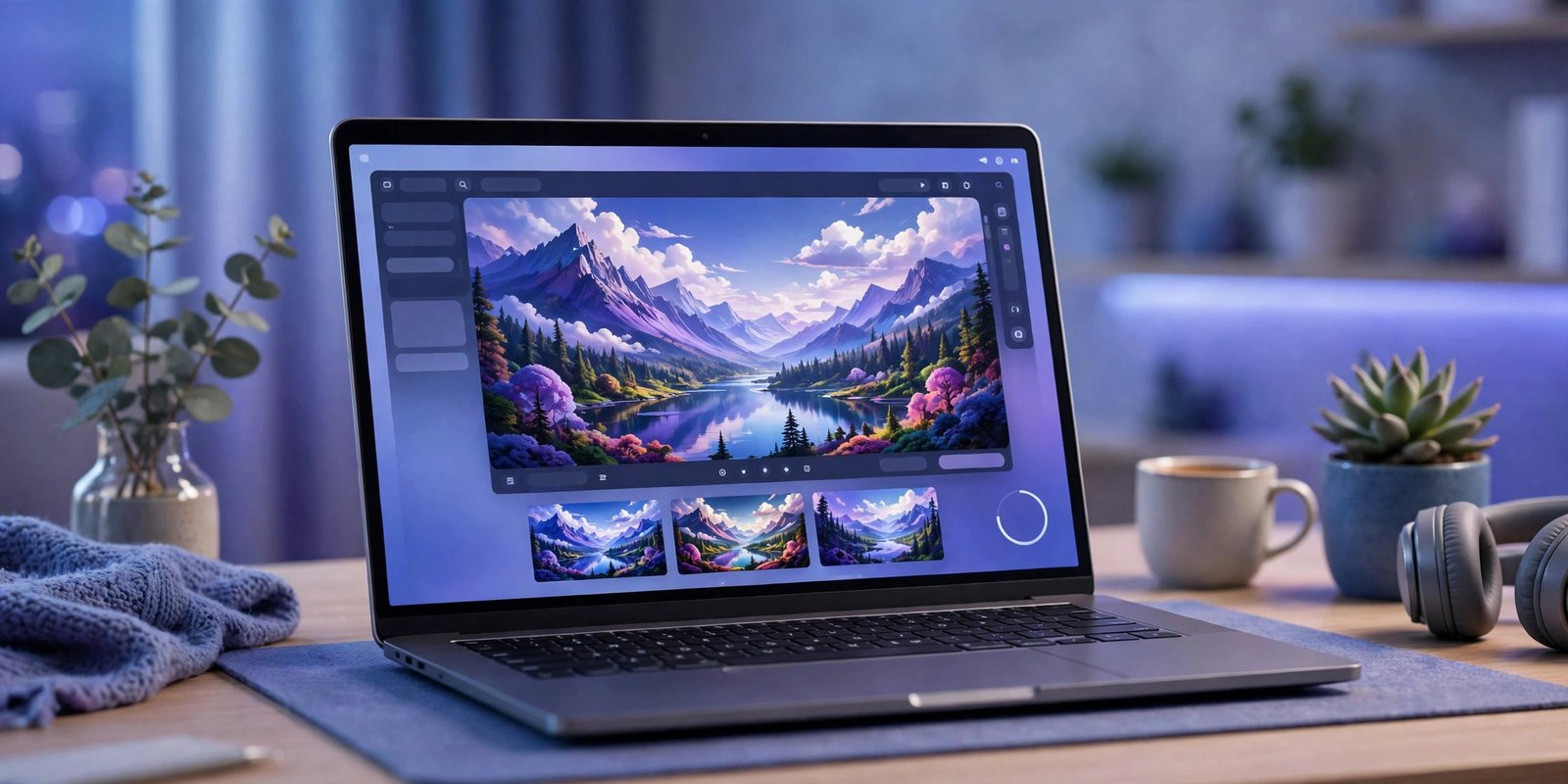
Yes, several genuinely free AI image generators work with no sign up in 2026. Perchance and Craiyon let you type a prompt and download an image with no account, no email and no card. Raphael AI and Hugging Face Spaces work the same way. The trade off is quality, resolution or a watermark. This guide sorts the honest no-account tools from the ones that only look free, and shows which one fits each job.
If you want no-account tools beyond images, our hub of free AI tools you can use without signing up covers chat, writing, audio and video too. This page focuses only on image generation, and every tool below was checked against October 2026 reviews and roundups.
What “no sign up” really means
“No sign up” sounds simple, but it covers three different deals. Knowing which one you are getting saves frustration.
Truly no account means you open the page, type a prompt and download the result. No email, no Google login, no phone number. Perchance and Craiyon work this way. Free account means the tool costs nothing, but you still create a login before the first image. Microsoft Designer and Ideogram sit here. Free trial means full access for a short time, often with a card on file, and then you pay or lose access.
Some tools blur the line. They let you generate one or two images as a guest, then ask for an account to continue. Others work logged out today and add a login wall next month. Free tiers change often, so treat every limit in this guide as a snapshot and check the tool’s own page before you build a project on it.
The best no-sign-up image generators, tested
Here is the shortlist at a glance. Each tool below opens in a browser with no account.
| Tool | Watermark on free images? | Known limit | Best for |
|---|---|---|---|
| Perchance | No | Lower resolution, hands and text can break | Unlimited drafts and ideas |
| Raphael AI | Reports disagree, expect one | Slower queue at busy times | Realistic looking images |
| Craiyon | Yes | Low resolution, ads and waiting | Rough concepts and fun |
| Hugging Face FLUX.1 schnell | No | About 2 minutes of GPU time a day | Open model quality |
| DeepAI | None listed | Limited free images | Clear commercial use rights |
| Bing Image Creator | No | May ask for a Microsoft account later | Four images per prompt, no login in tests |
1. Perchance: best for unlimited drafts
Perchance is the only tool in this list that reviewers consistently describe with all three words together: free, unlimited and no watermark. You get images at 1024 by 1024 pixels, which is four times larger than most free competitors. There is no account, no queue and no daily cap in the reviews we checked.
Quality is the trade off. Perchance handles simple scenes well, but hands, faces and text can break, just like most free generators. Use it for mood boards, blog illustrations, social media drafts and quick ideas. If the image needs to look like a real photo, try Raphael AI instead.
2. Raphael AI: best for realistic images with no account
Raphael AI is the no-sign-up tool to reach for when the image actually needs to look real. It generates unlimited images without an account, lets you pick aspect ratios and styles, and offers a reference image option to guide the result.
One warning: reviews disagree on the watermark. Some say free downloads are clean, others report a watermark on free output and clean images only on paid plans. Expect a watermark and be pleasantly surprised if there is none. Generation can also slow down at busy times, since free users share one queue.
3. Craiyon: best for rough ideas
Craiyon, formerly DALL-E mini, is the oldest name on this list. It is unlimited, ad supported and needs no account. Type a prompt, wait about a minute and get nine variations of your idea.
The results are rough. Resolution sits around 512 by 512 pixels, free images carry a watermark, and detail is weak next to modern tools. Craiyon is still useful for one job: fast brainstorming. Use it to test whether an idea works visually before you spend time on a better tool.
4. Hugging Face FLUX.1 schnell: best for open model quality
Hugging Face hosts free demos of open AI models called Spaces. The FLUX.1 schnell Space lets you generate images in the browser with no account, and the quality is a clear step above Perchance and Craiyon.
The limit is computing time, not image count. Roundups report about 2 minutes of free GPU time a day, which covers a handful of images. That makes it a poor choice for bulk work, but a strong pick when you only need a few good images and you do not want an account.
5. DeepAI: best for clear commercial use rights
DeepAI is a long running AI platform whose image generator works in the browser with no sign up. Free images are limited, but the terms are unusually clear: DeepAI states that you own the content you generate and may use it broadly, including for commercial purposes, as long as you follow its terms.
That clarity matters if the image is for a business, a product page or a client. Most free tools leave commercial use vague or reserve it for paid plans. DeepAI is the safer pick for small business use, even though its image quality is not the best on this list.
6. Bing Image Creator: the surprise bonus
Bing Image Creator deserves a mention even though it normally wants a Microsoft account. In an October 2026 test, it returned four images per prompt in a browser that was not signed in to any Microsoft account, at 1248 by 832 pixels. Four images per prompt is the most generous output on this list, and the text rendering was the most faithful in that test.
Treat this as a bonus, not a guarantee. Microsoft can add a login wall at any time, and signed in users get faster generation. If it works logged out for you, enjoy it. If it asks for an account, a free Microsoft account still gives you DALL-E 3 quality with full commercial rights.
Which tool to pick for each job
Match the tool to the job, not the other way round.
For quick drafts and ideas, start with Perchance. It is unlimited, watermark free and fast. For realistic photos, try Raphael AI and accept the queue. For rough concepts and fun, Craiyon is enough. For the best quality with no account, use the Hugging Face FLUX.1 schnell Space and spend your daily GPU minutes wisely. For business images where rights matter, DeepAI is the safe choice.
For images that must contain readable words, such as posters and logos, Ideogram is the best free pick, but it needs a free account. And once you have an image you like, you can sharpen it with an AI photo enhancer instead of regenerating it again and again.
Limits to know before you start
Every free tool trades something away. The usual trade offs are resolution, watermarks, queues and privacy.
Resolution is the first limit. Free generators often cap output at 512 or 1024 pixels, which is fine for social media and blog images but weak for print. Watermarks are the second. Craiyon watermarks free output, and Raphael AI may do the same. A watermark is easy to miss until you download the image, so check the download, not the preview.
Queues are the third limit. Free users share computing power, so busy times mean waiting. Hugging Face Spaces limit GPU minutes, and Raphael AI slows down when demand spikes. Privacy is the fourth limit, and the easiest to overlook. Some free tools store your prompts and images, and some show them in a public gallery. Never type personal details into a prompt, and never upload a private photo to a free generator.
Finally, learn to judge what you made. AI images are getting harder to tell from real photos, so read our guide on how to spot AI-generated images before you trust a free image at face value, especially one someone else sent you.
Can you use the images commercially?
The short answer is that it depends on the tool, not on the image. There is no single rule for AI images in the UK. Each generator sets its own terms, and those terms decide what you can do with the output.
DeepAI is the clearest of the no-sign-up tools: its terms say you own what you generate and may use it commercially. Perchance images are generally free to use, but check the licence on the page before a commercial project. Raphael AI reserves clean commercial use for paid plans in the reviews we checked. Craiyon’s free output is watermarked, which makes it a poor fit for commercial work anyway.
Two rules cover the rest. First, never assume commercial rights. Read the terms on the tool’s own page, and keep a screenshot if the image matters to your business. Second, remember that the tool’s terms are only half the story. UK copyright law for AI generated work is still developing, and a tool’s terms cannot give you rights the law does not. If an image will sit on a product page or in paid advertising, a paid plan with written commercial rights is the safer spend.
FAQ
Is there a free AI image generator with no sign up or watermark?
Yes. Perchance is the one reviewers consistently describe as free, unlimited and watermark free. Other no-account tools add a watermark, a daily cap or a queue, so check the download before you use the image.
Do no-sign-up generators keep my prompts?
Some do. Free tools may store prompts and images to improve the service, and some show them in a public gallery. Avoid personal details in prompts and never upload private photos to a free generator.
Why do free tools ask for an account after a few images?
Generating images costs real computing power. Accounts let providers cap free use, stop abuse and offer paid plans to heavy users. The guest pass is real, but it is a sample, not a subscription.
Can I sell images made with a free generator?
Only if the tool’s terms allow commercial use. DeepAI allows it on its stated terms. Other free tools reserve commercial use for paid plans or leave it unclear. Check the terms before you sell anything.
Conclusion
Free AI image generation without signing up is real in 2026, but no single tool does everything. Start with Perchance for unlimited drafts, try Raphael AI when the image needs to look real, and use Hugging Face FLUX.1 schnell when quality matters most. Keep DeepAI in mind for business images, and always check the watermark, the resolution and the terms before you publish. The best free tool is the one that fits your job, not the one with the longest feature list.