What “Free” Actually Means for iPhone AI Apps
Most of the strongest AI apps on iPhone are genuinely free to download and use at a level that most people never exceed, rather than short trials designed to force an upgrade. The apps worth installing tend to be made directly by the companies building the underlying AI models, which usually means a more generous and stable free tier than smaller third-party wrappers charging a subscription for the same technology.
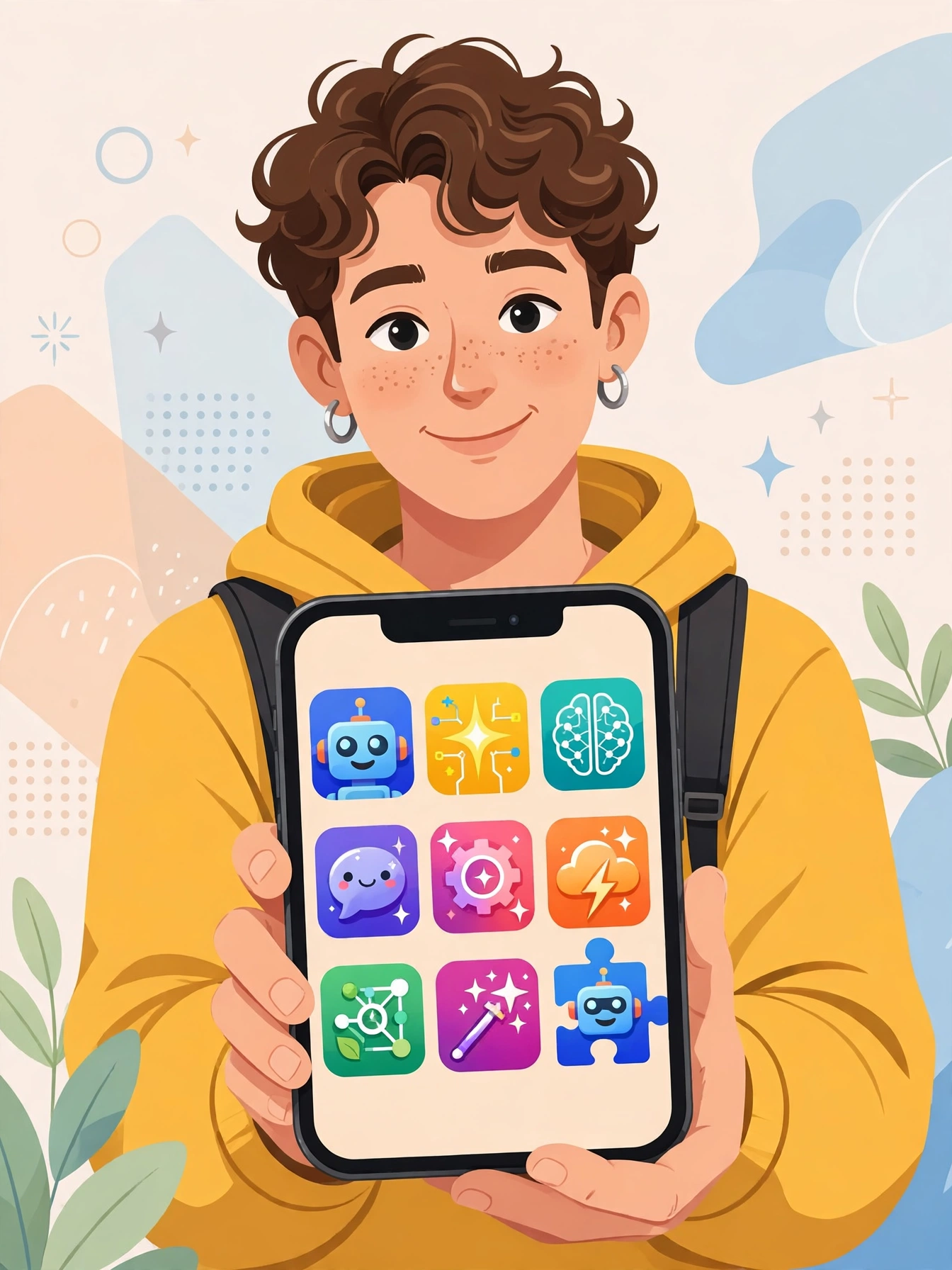
Genuinely Free AI Apps Worth Installing
ChatGPT
ChatGPT is widely considered the best free all-rounder on iPhone, with a free tier that includes voice mode and image input without a subscription, deep iOS integration through widgets and Shortcuts, and usage caps that lift with a paid Plus plan rather than a hard paywall.
Gemini
Google’s Gemini offers a generous free tier with voice capability and ties directly into Gmail, Docs, Maps, and YouTube, making it a strong free option for anyone already using Google’s ecosystem daily.
Apple Intelligence
Built into supported iPhone models at no additional cost, Apple Intelligence handles lightweight, on-device tasks such as writing assistance and notification summaries without needing a separate app or account.
Perplexity
Perplexity is free to start and provides cited, sourced answers rather than a plain chat response, making it a strong free choice for research-oriented tasks.
What Free Tiers Typically Include vs Exclude
| Feature | Commonly free | Commonly paid |
|---|---|---|
| Basic chat/voice conversation | Yes, with usage caps | Higher or unlimited usage |
| Access to the newest/most capable model | Sometimes limited | Usually included on paid tiers |
| Multiple AI models in one app | Rare | More common on paid multi-model apps |
| Advanced research/deep analysis modes | Limited | Typically unlocked on paid plans |
How to Choose a Free AI App Without Getting Burned
- Prefer apps published directly by the AI model’s own company over unofficial wrappers charging a subscription for the same underlying model
- Check what happens after the free usage cap is hit, since some apps degrade gracefully while others push aggressive upsells
- Confirm what happens to your data and prompts, particularly for anything sensitive
- Treat listed prices and free-tier limits as a starting point, since they change frequently, and confirm current terms in the app itself
- Avoid apps that require payment info before you can test any free functionality at all
Frequently Asked Questions
Is ChatGPT really free on iPhone?
Yes, ChatGPT’s free tier includes voice mode and image input without a subscription, though usage caps apply and the newest model access is prioritised for paid Plus subscribers.
Is Apple Intelligence a full replacement for a free AI chatbot app?
Not entirely. Apple Intelligence handles useful lightweight, on-device tasks for free but is not designed to replace a full AI chatbot for complex writing, research, or multi-step reasoning.
Are third-party AI apps that charge a subscription worth it if the underlying model is free elsewhere?
Often not, unless the app adds genuine extra value such as combining multiple models in one interface. It’s worth checking whether the same underlying model is available for free directly from the company that built it.
Do free AI apps sell or misuse your data?
This varies by provider and should be checked in each app’s specific privacy policy; apps from established AI companies typically publish clear data handling terms, which is worth reviewing before sharing sensitive prompts or photos.
A Worked Example: Setting Up a Free iPhone AI Kit in One Evening
Imagine a university student who needs help with essays, revision, and quick research, but who cannot afford three subscriptions. She starts with one rule. She will install only official apps from the companies that build the models. That rule alone keeps her away from the clone apps that charge a weekly fee for a chatbot she could get free.
First, she installs ChatGPT as her everyday assistant. She uses it for drafting, brainstorming, and voice questions while she walks to lectures. She learns its free limits quickly. Text chats are generous, but image generation and voice have caps, so she saves those for tasks that really need them. She does not pay on day one. She waits to see which limit she hits first.
Next, she adds Perplexity for research. When she needs a fact for an essay, she asks Perplexity instead of a general chatbot, because it shows sources she can check. She follows one source link per answer before she trusts it. That habit takes an extra minute, but it stops her from citing an answer that sounds confident and turns out to be wrong.
After a week, she reviews what she actually used. If she never hit a limit, she stays free. If she hit one limit every day, she pays for that one app only. Stacking three paid plans costs around 60 dollars a month for tools that mostly overlap. One well chosen free kit, plus one paid plan only where it is truly needed, is the smarter setup.
Pitfalls That Turn Free Apps Into Paid Ones
The first pitfall is the clone app. The App Store is full of apps with names close to ChatGPT or Gemini that charge 5 to 10 dollars a week. They wrap the same free model in a prettier icon and add a weekly subscription. Always check the developer name before you install. If the app is not published by OpenAI, Google, Anthropic, or Perplexity, do not subscribe to it. Delete it and install the official app instead.
The second pitfall is the trial trap. Some apps offer a free trial that converts to a weekly charge unless you cancel. A weekly charge sounds small, but it adds up to more than a monthly plan from the official provider. If an app asks for payment details before you can test any free feature, walk away. A genuine free tier should work without your card.
The third pitfall is ignoring training settings. Several major apps use free tier conversations to train their models by default. That matters if you paste personal details, coursework, or work documents into a chat. Open the privacy settings in each app and turn off training use where the option exists. Treat any free chatbot as a public notebook unless you have checked the setting yourself.
The fourth pitfall is forgetting that limits reset on different clocks. Claude resets on a rolling five hour window. Other apps reset daily or monthly. If you hit a limit before a deadline, switching to a second free app often gets you moving again, because each app has its own separate allowance. Planning around two free apps beats paying in a panic the night before a deadline.
Can I use ChatGPT, Gemini and Perplexity together for free?
Yes, and for most everyday use this is the best free setup. Use ChatGPT for general chat and voice, Gemini when you need Gmail, Docs, or Maps context, and Perplexity when you need cited research. Each app has its own free allowance, so using three apps gives you more total capacity than any one app alone. The only cost is a little extra effort, because your chat history will live in three places instead of one.
Do free AI apps work well on older iPhones?
Yes, with one exception. ChatGPT, Claude, Gemini, and Perplexity all run on older iPhones through their apps, because the heavy work happens on company servers, not on your phone. Apple Intelligence is the exception. It needs a newer model, such as an iPhone 15 Pro or later, for its on device features. If your phone does not support it, you lose nothing important. The official chatbot apps give you the same core features on any recent iPhone.
Final Thoughts
Free AI apps for iPhone have become genuinely capable rather than crippled trial versions, particularly the official apps from major AI companies. Prioritising apps made directly by the model’s own developer, checking what happens after usage caps, and confirming current pricing before subscribing will usually serve most users better than paying for a repackaged wrapper.
Related reading: Best AI Apps for iPhone and AI Cleaner App Reviews.
About the author: The AI Uptrend editorial team covers AI tools, platforms, and industry trends to help readers evaluate new technology with a clear, practical lens.