What Dola AI Is
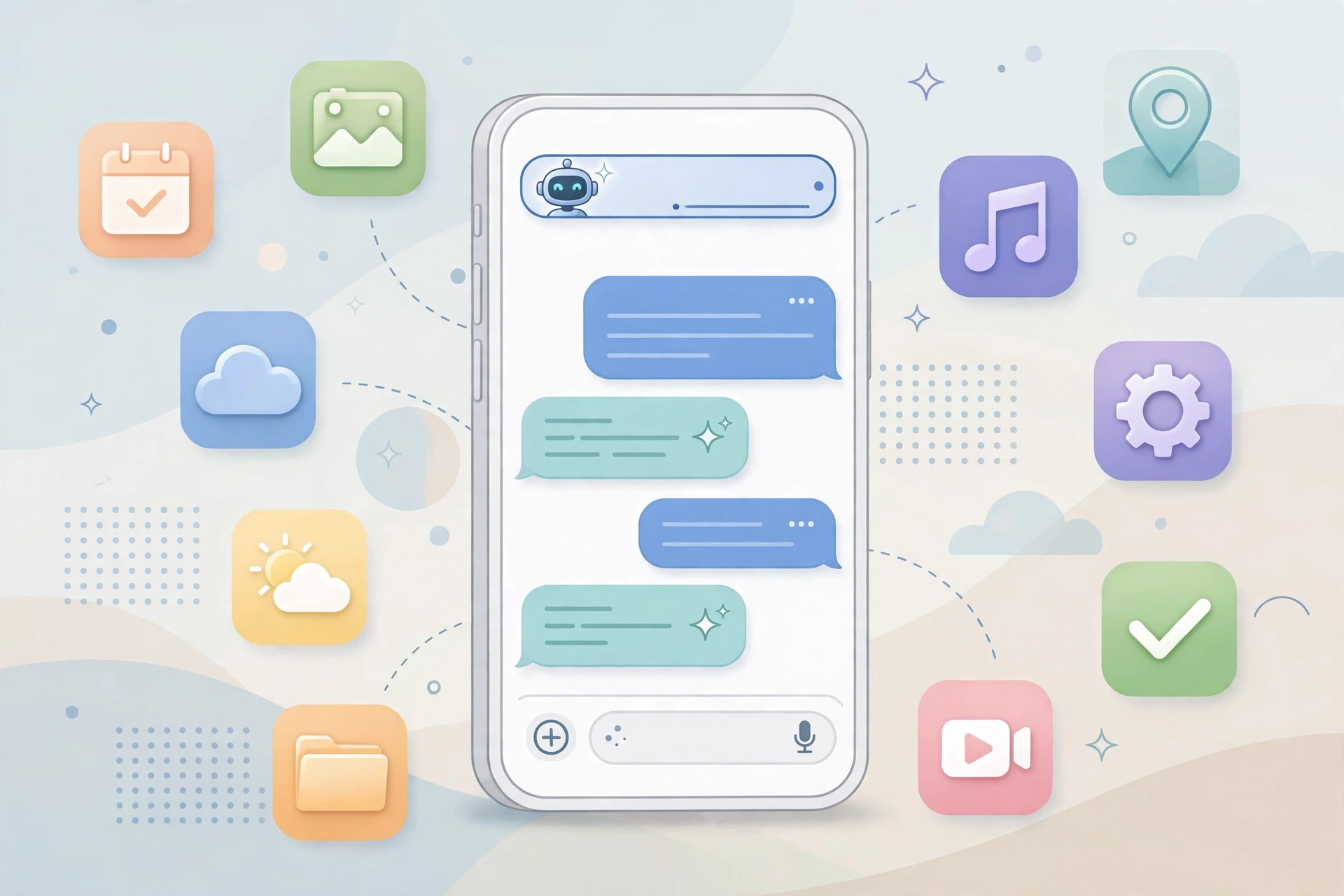
Dola is the rebranded name for Cici AI, ByteDance’s international consumer chatbot app. The underlying product and company remain the same; the rebrand changed the name and branding while keeping the core feature set: text and voice chat, writing assistance, translation, document summarisation, and AI art generation, built on the same core engine as ByteDance’s domestic Doubao assistant.
Why the Rebrand Matters for Searchers
Because both names are still widely used across app stores, reviews, and search results, users researching either “Cici AI” or “Dola AI” are likely looking at the same underlying product. Checking the developer name (SPRING (SG) PTE. LTD.) in an app store listing is the most reliable way to confirm you’re looking at the genuine, current version rather than an outdated listing or unrelated app using a similar name.
Core Features Under the Dola Name
| Feature | Detail |
|---|---|
| Translation | Particularly strong across Spanish, Bahasa, Tagalog, and Arabic |
| Writing assistance | Drafts emails, essays, social posts, and resumes from short prompts |
| AI art generation | Text-to-image generation, including anime-style output |
| Voice chat | Text and voice input supported, synced across devices |
| Content filters | Blocks adult and violent content by default; individual AI characters can be blocked from recommendations |
Growth and Adoption
By late 2025, the rebranded Dola had reportedly reached 10 million daily active users, with cumulative downloads on Google Play passing 50 million. The app has performed particularly well in specific regional markets, including reaching the number one free app spot on Google Play Mexico and holding top-20 rankings in Indonesia, Malaysia, and the Philippines for extended periods, reflecting its regional translation strength.
Privacy and Safety Under Dola
- Users can opt out of having their chats used for AI model training within privacy settings
- Ad personalisation can be disabled separately from AI training opt-out
- No dedicated parental control panel exists, though built-in content filters restrict adult and violent material
- Independent age guidance from Vodafone UK rates the app for users 17 and up
- Harmful content can be reported through an in-app form, with a Discord server available for direct developer contact
Frequently Asked Questions
Is Dola AI the same app as Cici AI?
Yes, Dola is the rebranded name for Cici AI, the same product from the same developer, with the core feature set unchanged.
Is Dola AI free to use?
Yes, it offers a free tier with a paid Premium plan available, with regional pricing variation based on local app store terms.
What is Dola AI’s biggest strength?
Translation quality across several widely spoken languages, including Spanish, Bahasa, Tagalog, and Arabic, is consistently cited as its standout feature compared to other free chatbot options.
Is Dola AI appropriate for teenagers?
Independent guidance rates it for ages 17 and up. It includes content filters but lacks a dedicated parental control panel, so this is worth reviewing directly for younger users.
Dedicated Modes: More Than One Chatbot
The biggest change since the Cici era is that Dola is no longer just a chat window. Competitor guides list dedicated modes that route your request to a purpose-built workflow: writing mode for long-form drafts, translation mode, image generation, video creation powered by the Seedance model, document chat for PDF and Word files, web reading for summarising pages, and deep and academic search for research. That matters because a general chat answer and a document chat answer are different products: document chat grounds its answer in your file, while general chat answers from its training and web access. If you need a summary of a long report, use document chat. If you need ideas or a draft, use writing mode. Picking the mode first is faster than writing a longer prompt in general chat.
Desktop users get two more pieces worth knowing. A desktop app with an AI launcher gives instant questions without opening a browser, and a toolbar that plugs into Office and other software lets you ask Dola without leaving the document you are working on. A browser tool that summarises the page you are on serves the same idea on the web: help where the work already happens, instead of a separate destination you must remember to visit. None of these replace the core chat, but together they explain why Dola is described as an all-in-one assistant rather than a single chatbot.
Free, Credits, and Paid Plans: What to Check
Dola is free to use, but free does not mean unlimited, and the limits vary by country and by feature. Image and video generation commonly run on free daily credits, and exactly how many you get, and which features are available, can change and depends on your country. Some regional listings also describe paid plans with feature-specific allowances, while other regions show no paid tier at all. The only reliable check is your own app store listing in your country, on the day you plan to rely on the app. Do not copy a price or a credit amount from an old review, since both change often and app store details differ by country and version.
One more check matters for work use. Consumer terms for this kind of assistant commonly describe private, non-commercial use, so do not assume an authorised business automation integration exists just because the app can draft a work email. Teams that want AI inside business workflows should confirm the current terms and any business offering separately, rather than building a process on a consumer app and discovering the limit later. Availability follows the same rule: the app is region-locked in some countries and unavailable in others, so confirm it works in your country before recommending it to anyone else.
Is Dola really free?
Yes for basic chat, writing, and translation, with usage limits, and with free daily credits commonly applying to image and video generation. Limits and any paid plans vary by country and change over time, so check your app store listing for the current position rather than trusting an old review.
Can I use Dola for business work?
For drafting and brainstorming, yes, like any general assistant, but consumer terms commonly describe private, non-commercial use, so do not assume it is authorised for business automation or for processing sensitive company data. Check the current terms and any business offering before building a work process around it.
Final Thoughts
Dola AI is the current name for what was previously Cici AI, an already-established, free, mobile-first chatbot with genuine strengths in translation and casual creative tasks, backed by tens of millions of downloads. Anyone researching either name is looking at the same product, and checking the developer name directly in the app store remains the most reliable way to confirm authenticity.
Related reading: Cici AI App Review and Janitor AI App Review.
About the author: The AI Uptrend editorial team covers AI tools, platforms, and industry trends to help readers evaluate new technology with a clear, practical lens.