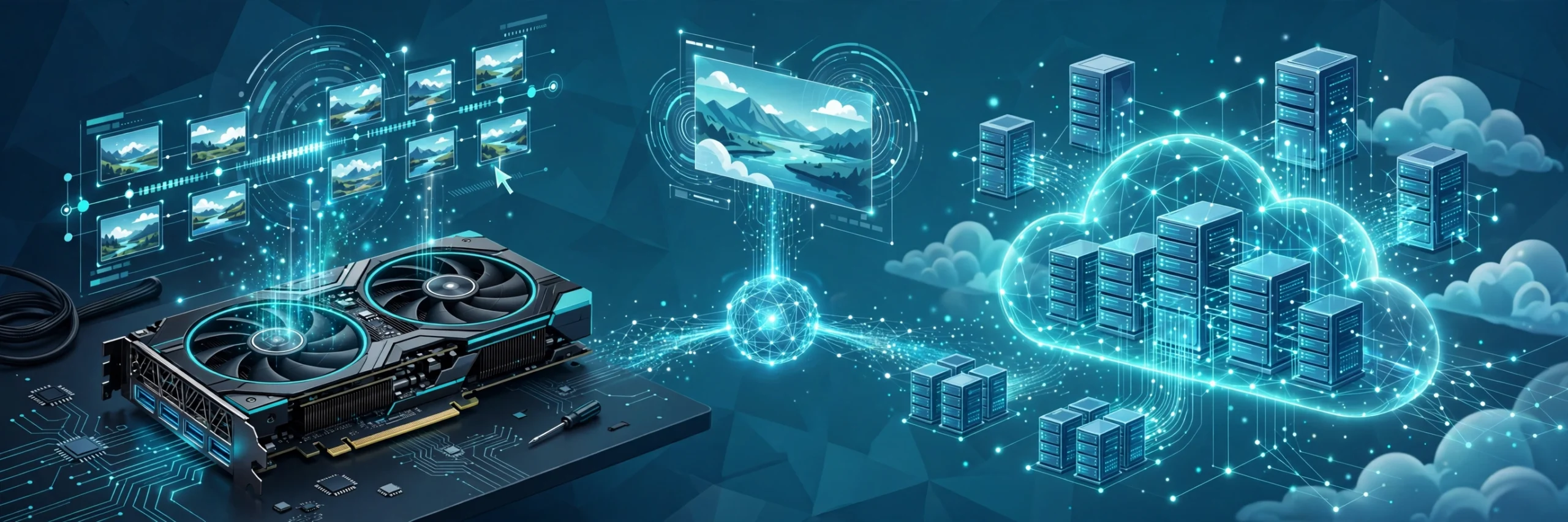
Should you run AI video generation locally, on a rented GPU, or through a cloud API? The honest answer is that it depends on your volume, your hardware and how much control you want. Local runs give you privacy and unlimited renders. Rented GPUs give you the same control without buying hardware. Cloud services are the fastest way to start but cost more at scale. This guide compares all three, honestly.
The three ways to make AI video in 2026
Every AI video workflow sits in one of three places. Your own machine. Someone else’s machine that you rent by the hour. Or a cloud API where you never see the machine at all. They all run the same family of models, including MiniMax H3, which has become the reference model for this comparison. chapterframe
Option 1: local runs on your own GPU
What you need
A strong graphics card, plenty of VRAM and patience for setup. MiniMax published open weights for H3 that you can download and run locally for non-commercial work, and ComfyUI supports the model with ready-made templates. Community guides report roughly 20 steps and a five minute render for a short clip on a high-end laptop, using quantised models and memory-saving settings.
The upside
Privacy and control. Nothing leaves your machine, which matters if you work with unreleased client material. Renders cost you nothing beyond electricity, so experimenting is free. And you can tune everything: steps, seeds, schedulers, the lot.
The downside
The hardware bill. A machine capable of comfortable local video work costs thousands, and hardware prices are volatile. Setup is real work: drivers, environments, model files measured in tens of gigabytes. And check the licence before you use it commercially: the free community licence for H3 does not cover businesses in the US, EU, UK or Korea, so commercial projects need a proper commercial licence.
Option 2: rented GPUs, the middle path
How it works
You rent a cloud GPU by the hour, install the same ComfyUI workflow you would run locally, and render there. Published guides report per-render costs in the low cents on data-centre cards, which makes this the cheapest way to get serious VRAM without owning it.
The upside
Full control, no hardware purchase. If your own GPU only has 8GB of VRAM, this is the practical answer: you get the data-centre card for the heavy job and keep your laptop for everything else.
The downside
It is still your setup to maintain. You pay for idle time if you forget to shut the instance down, and queueing, storage and data transfer can add up if you are careless.
Option 3: cloud services and APIs
How it works
You send a prompt or a request to an API and get video back. fal’s H3 Max endpoint renders a five second 768p clip in a few seconds, with pricing around twenty cents a clip at that tier. HeyGen’s video model, built on MiniMax H3, lists around three cents per second at 768p with audio included. Higgsfield offers a similar cloud route aimed at creators. No setup, no hardware, no maintenance.
The upside
Speed of starting. You can go from signup to first render in minutes, and the best cloud endpoints are fast: fal publishes generation times under three seconds for short clips. APIs also ship with tooling, async specs and commercial rights included in paid plans.
The downside
Cost compounds with volume. Twenty cents a clip is nothing; twenty thousand clips is a budget line. Your footage and prompts travel to someone else’s servers, and you are limited to what the API exposes. If the provider changes pricing or limits, your pipeline feels it.
The honest trade-offs
Cost
Local wins at high volume once the hardware is paid off. Cloud wins at low volume and for experiments. Rented GPUs win in the middle.
Speed
Cloud APIs are fastest per clip, often seconds. Local and rented GPU renders take minutes per clip on consumer cards, though data-centre cards close the gap.
Control
Local and rented GPUs give you the full graph: every node, every parameter. Cloud APIs give you the parameters the provider chose to expose.
Lip sync and audio
This is where the model choice matters most. H3 generates video with native audio, including dialogue and sound, in one pass, which is why it leads the pack for synced narration. With other pipelines you may need a separate lip sync step. Always test with your own footage before committing.
First-and-last-frame support
Some workflows let you pin the first and last frame of a shot and have the model fill the middle. That is gold for transitions and for matching existing footage. Check whether your chosen route supports it before you plan a project around it.
Which should you pick?
A hobbyist experimenting at weekends: start in the cloud. The cost is trivial and you learn what you like. A technical creator with a decent GPU: try local first, and rent a GPU for the heavy weeks. A small studio doing client work: rented GPUs for production runs, cloud APIs for fast drafts. A team with compliance requirements: local, because the data never leaves.
Our broader roundup of the best AI video generators covers the tool landscape in more depth if you want to compare models side by side.
Where Chapterframe fits
Chapterframe takes an audio-first route: it starts from your narration or audiobook recording and builds the film timeline around it, which means the lip sync and timing questions above are handled inside the pipeline rather than left to you. You can run that workflow wherever your renders live. Dramatically Lower rendering Costs If you are already rendering locally or on rented GPUs, it slots into the same ComfyUI-shaped world. If you prefer the cloud, the same pipeline works through an API-style workflow.
For explainers and short-form pieces, also see our guide to the best AI explainer video makers, which covers a different corner of the same market.
Frequently asked questions
Q: Can I really run MiniMax H3 on a normal computer?
A: On a strong gaming laptop or desktop with plenty of VRAM, yes, with quantised models and memory-saving settings. On 8GB of VRAM, expect slow renders: a rented GPU is the practical answer.
Q: Is local generation actually cheaper?
A: At high volume, yes, once the hardware is paid for. At low volume, cloud APIs are cheaper because there is no upfront cost. Do the maths for your own volume before you buy anything.
Q: Do cloud video APIs include commercial rights?
A: Paid plans generally include commercial rights to the clips you generate. Read the terms of the specific service and model, because licences vary.
Q: What is the catch with rented GPUs?
A: Setup and idle time. You manage the environment, and you pay for every hour the instance runs, rendering or not. Shut it down when you are done.
Q: Which option is best for lip-synced narration?
A: Models with native audio generation, like H3, have the edge, because dialogue and video come from the same pass. Test with your own narration before you commit to a route.
The bottom line
There is no single right answer, only the right answer for your volume and your workflow. Start in the cloud to learn, rent GPUs when you get serious, and go local when the volume justifies the hardware. Whichever route you pick, the pipeline matters more than the machine: audio-first tools like Chapterframe turn the render farm question into a detail, because the narration is doing the directing.