What an AI Smile Generator Does
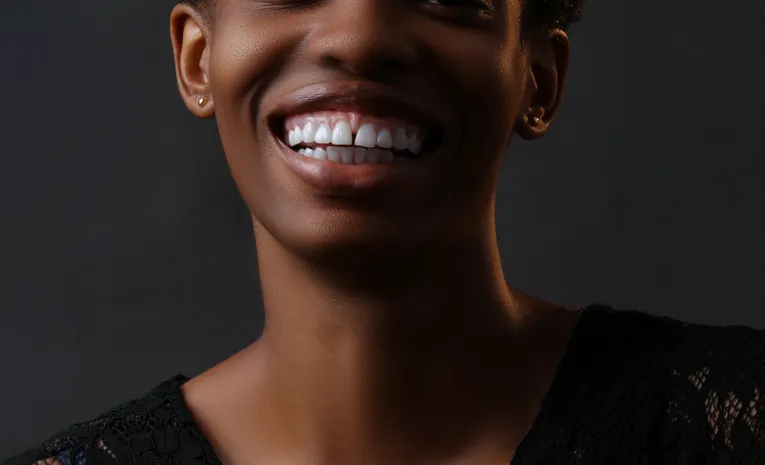
An AI smile generator is an online or app-based tool that edits a photo to add or adjust a smile on a person’s face, changing the mouth and surrounding facial muscles, sometimes including subtle details like smile lines under the eyes, to produce a natural-looking result. The category spans web tools built on general-purpose image-editing AI models, dedicated mobile apps, and features bundled into broader photo-retouching platforms.
How These Tools Work
Most AI smile generators use inpainting-capable image models, meaning they can edit a specific region of a photo (the mouth and surrounding area) while leaving the rest of the image untouched. The user typically uploads a photo, selects a smile intensity or style, and the AI regenerates that region to reflect the requested expression, accounting for how the whole face changes shape when someone smiles rather than just editing the lips in isolation.
Common Use Cases
| Use case | Detail |
|---|---|
| Personal photo touch-ups | Adjusting your own portraits or selfies where the expression didn’t come out as intended |
| Professional photography | Batch-correcting minor expression issues across a shoot without individual manual retouching |
| Marketing and social content | Producing more expressive, engaging images for posts and campaigns |
| Dental/orthodontic previews | Some advanced tools support adjustments like braces removal previews or gum positioning |
A Note on Using Other People’s Photos
Editing a photo of yourself is generally low-risk. Editing a photo of someone else without their knowledge or consent, particularly if the altered image is shared publicly, raises the same consent considerations as any other facial-editing tool: the person whose expression is being changed should generally know about and agree to the edit, especially for anything shared beyond personal use.
What to Compare Across Smile Generator Tools
- Realism of output, particularly whether it adjusts surrounding facial muscles or just the mouth in isolation
- Free vs paid tiers, since many free web tools apply watermarks to exported images
- Batch processing support, useful for photographers editing multiple images at once
- Platform availability (web, iOS, Android) depending on your workflow
- Additional retouching features bundled in, if you need more than just smile adjustment
Frequently Asked Questions
Are AI smile generators free to use?
Many offer a free tier, though exported images are often watermarked; full-resolution, watermark-free output typically requires a paid plan.
Do AI smile generators work on any photo?
Results vary depending on image quality, face angle, and lighting; clearer, front-facing photos generally produce more natural results than obscured or extreme-angle shots.
Is it okay to use an AI smile generator on a photo of someone else?
For personal, private use it’s generally low-risk, but sharing an altered image of someone else publicly without their knowledge or consent raises the same concerns as any other facial-editing tool and should be avoided.
Can AI smile generators fix teeth or dental issues in photos?
Some advanced tools support cosmetic previews like braces removal or teeth reshaping, though these are visual edits only and not a substitute for actual dental treatment.
Final Thoughts
AI smile generators have become a quick, accessible way to adjust facial expressions in photos, from personal touch-ups to professional batch photo editing. Realism and consent are the two factors worth paying closest attention to, checking that a tool handles surrounding facial detail naturally, and being mindful about whose photo you’re editing and sharing.
Related reading: Cici AI Image Generator and AI Sprite Generator.
About the author: The AI Uptrend editorial team covers AI tools, platforms, and industry trends to help readers evaluate new technology with a clear, practical lens.