What the Cici AI Image Generator Does
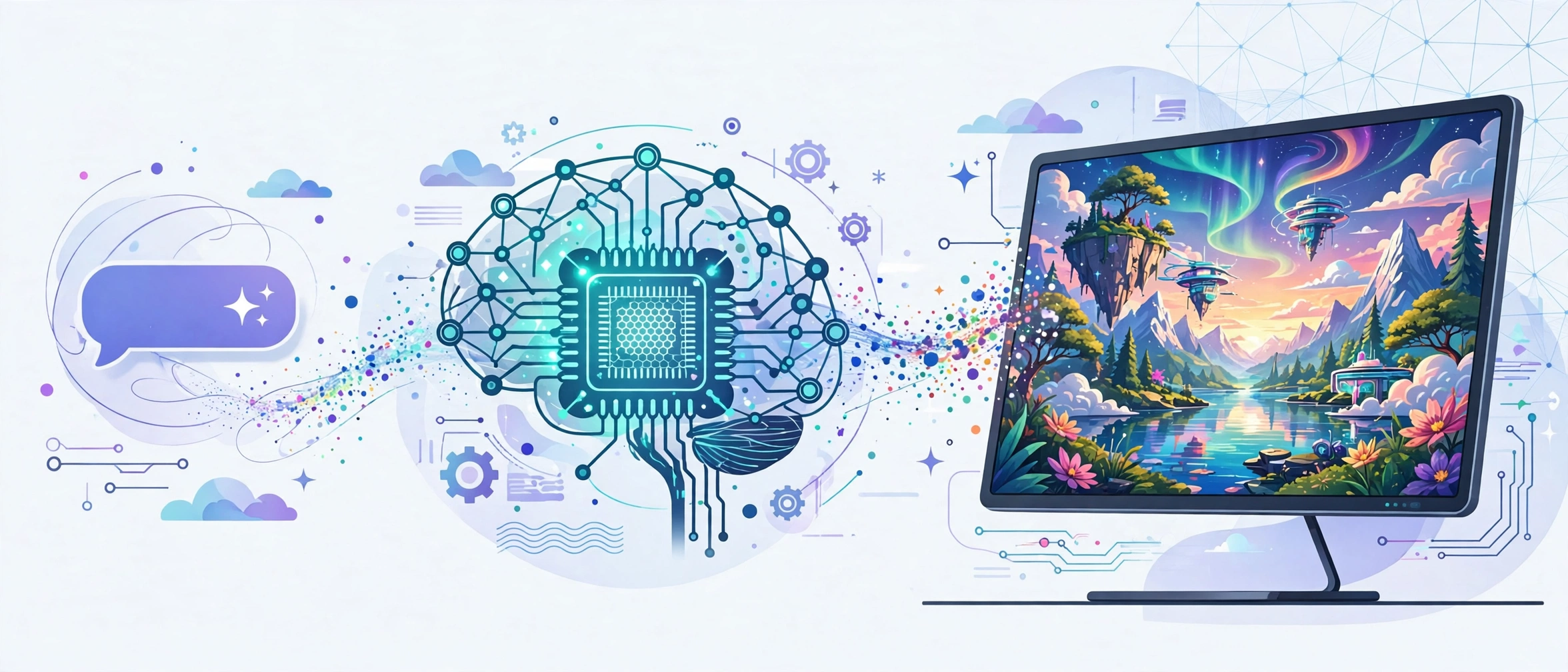
The Cici AI image generator, part of ByteDance’s Cici app (now rebranded Dola), is a text-to-image and image-to-image feature built into the broader chatbot rather than a standalone product. Users generate images from a text prompt, choosing between different artistic models spanning categories like movie-style, cartoon, illustration, and anime, and can also use a reference image to guide the output rather than starting from text alone.
How It Works
Text-to-Image Generation
A user types a description of the image they want, selects an art style or model, and chooses an aspect ratio, and the tool generates the image within the same chat interface used for conversation and writing tasks.
Reference Image Support
Beyond pure text prompts, the tool supports using an uploaded reference image to guide style or composition, giving more control than text description alone for users who have a specific look in mind.
Multiple Style Models
Rather than a single fixed art style, the generator offers several model categories, letting users switch between more photorealistic, cartoon, illustrated, or anime-influenced output depending on the project.
How It Fits Into the Broader App
| Feature | How image generation fits in |
|---|---|
| Chat and writing | Image generation sits alongside text chat, so users can move between writing and visual tasks in one conversation |
| Translation | Separate core feature, not directly tied to image generation |
| Document summarisation | Separate feature; useful in combination when creating visuals to accompany written content |
| Voice chat | Not directly connected to the image tool, but part of the same app ecosystem |
What to Know Before Using It
- It’s a feature within a broader chatbot app rather than a dedicated, standalone image generation platform
- Output style and quality will generally trail specialist image models built solely for image generation, since it’s one feature among several in a general-purpose assistant
- Check the app’s current free usage limits for image generation specifically, as this may differ from text chat limits
- As with any AI image tool, review the app’s content policy regarding generating images of real people
Frequently Asked Questions
Is the Cici AI image generator free to use?
The app offers a free tier, though image generation may carry separate usage limits from text chat; current limits should be checked directly in the app.
Is Cici the same as Dola for image generation?
Yes, Cici was rebranded to Dola, and the image generation feature carries over under the same underlying app and developer.
Can I use a reference photo to guide the AI-generated image?
Yes, the tool supports uploading a reference image alongside a text prompt for more style and composition control than text alone.
Is Cici’s image generator as good as dedicated image AI tools?
As a feature within a broader chatbot rather than a specialist image platform, output quality is generally positioned as a convenient, integrated option rather than a top-tier standalone image generator.
How the Image Model Actually Works
Modern text-to-image tools, including the generator inside Cici and Dola, are built on diffusion models. In simple terms, the model reads your prompt for its subject, style, composition, lighting, and mood, then refines an image step by step from noise until it matches that description. Competitor guides that explain this well stress two controls that matter more than any other setting. The first is seed control: locking the seed lets you reproduce a result and refine it, instead of getting a completely different image every time you retry. The second is how strictly the model follows your prompt versus how much creative freedom it takes. A strict setting gives you what you asked for, a loose setting gives you surprises, and neither is right for every job.
Aspect ratio is the third control worth setting deliberately. A square image suits a profile picture or a social post, a portrait ratio suits a phone wallpaper or a story, and a landscape ratio suits a blog header or a presentation slide. Choosing the ratio before you generate saves you from cropping away the best part of an image later. When a result comes back wrong, change one thing at a time: the subject, the style word, or the ratio. Changing everything at once teaches you nothing about what fixed it.
Writing Prompts That Work Inside a Chat App
Prompts inside a chat app need to be shorter and clearer than prompts for a dedicated image studio, because the generator shares the chat window with conversation, writing, and translation. A workable structure is: one clear subject, one style word, and one lighting or mood word. For example: a small bookshop at dusk, warm light, illustration style. That gives the model a subject, a mood, and a style, without a paragraph it will partly ignore. If you have a reference photo, use it: a reference guides style and composition far better than extra adjectives, especially when you want a consistent look across several images.
Know when to switch tools. Cici and Dola suit quick images for social posts, moodboards, and drafts, where speed matters more than pixel-perfect control. Dedicated image tools suit client-ready artwork, print work, and images where a small detail must be exactly right, because they offer finer control over seeds, styles, and editing. Complex prompts with several people, precise text in the image, or exact hand positions still trip up most generators, so simplify the scene, generate the parts separately, or accept that some images need a human edit afterwards. And before uploading a personal reference photo, check the app’s current privacy terms, since what an app does with uploads can change between versions.
Does Cici keep my reference photos private?
That depends on the app’s current privacy terms, which change over time, so check them in the app before uploading anything personal. As a safe habit, avoid uploading sensitive personal photos, identity documents, or photos of other people without their permission, and prefer your own non-sensitive images for style tests.
Why do faces and hands sometimes look wrong?
Faces and hands are the hardest parts for image models, and complex scenes make the problem worse. Simplify the prompt to one person and one action, regenerate with a locked seed, and try a different style model. If the detail still fails after two or three tries, it is usually faster to fix that part in a photo editor than to keep regenerating the whole image.
Final Thoughts
The Cici (Dola) AI image generator offers a convenient way to create visuals without leaving an existing chat conversation, supporting multiple art styles and reference-image guidance. It’s best suited to users who want casual, integrated image creation alongside chat and writing tasks, rather than those seeking a dedicated, specialist image generation platform.
Related reading: Cici AI App Review and AI Smile Generator.
About the author: The AI Uptrend editorial team covers AI tools, platforms, and industry trends to help readers evaluate new technology with a clear, practical lens.