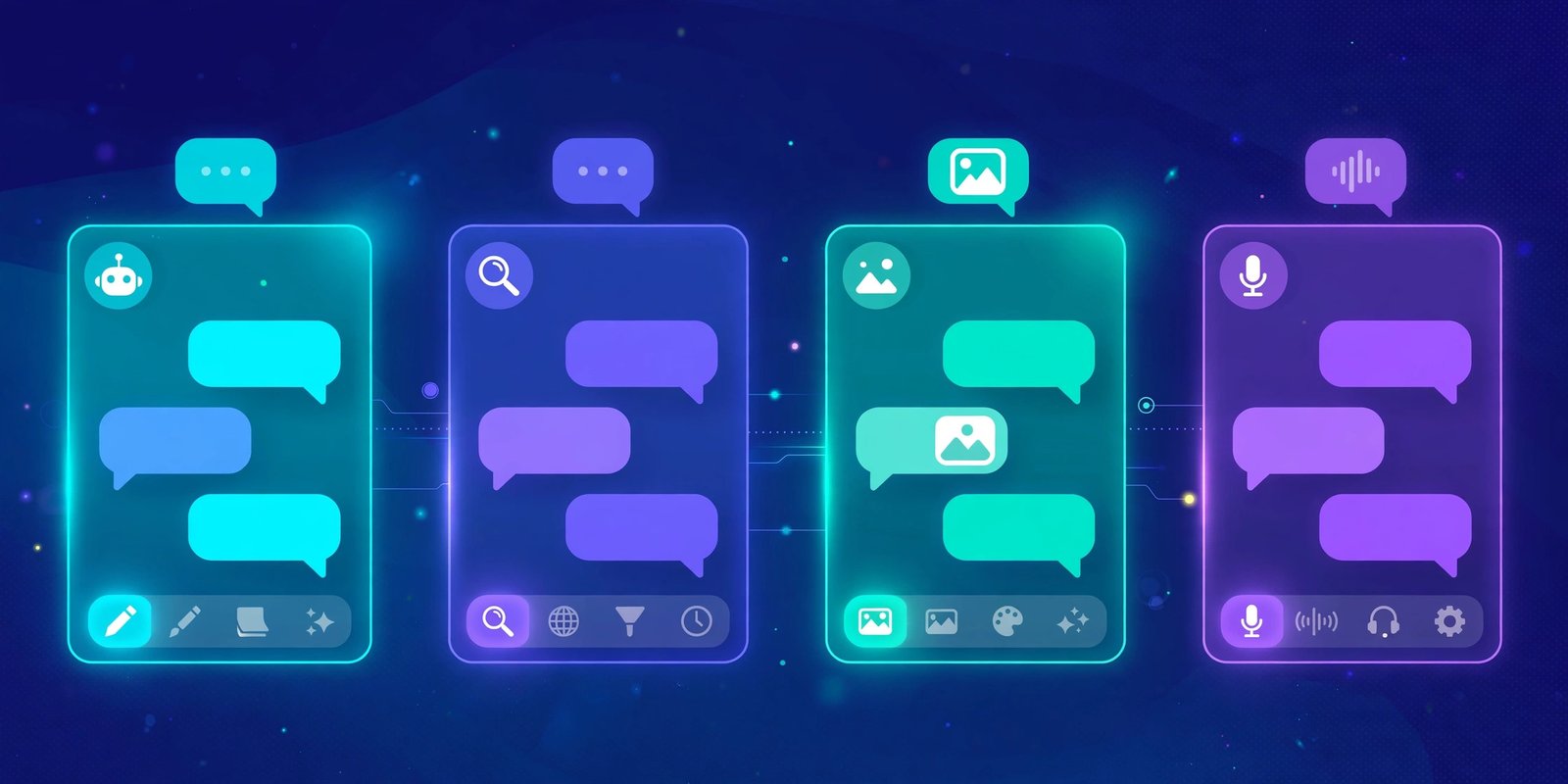

Short answer: the best AI apps for Android in the UK in 2026 are Gemini, ChatGPT and Claude for everyday assistant work, Perplexity for answers with sources, and Otter, Photoroom and CapCut for productivity, photos and video. Gemini is the default pick for most Android owners because it is built into the phone and the Google apps you already use. ChatGPT is the best all-rounder. Claude is the best writer. Every app on this list has a genuinely useful free tier, so you can try two or three before you pay for anything.
What Android users get that iPhone users do not
Android is the only platform where an AI assistant lives inside the operating system itself. Google replaced Google Assistant with Gemini as the default assistant on Android phones in early 2026. That means you can hold the power button, or swipe from a corner on some phones, and talk to Gemini without opening an app first.
Gemini can also work across your screen. It can summarise what is on the page you are reading, help with a photo in your gallery, or set a reminder in your calendar. Android Auto support lets you use it hands free in the car. iPhone owners get Gemini only as a standalone app, with none of this system level access.
This integration is the single biggest reason to start with Gemini on Android. You do not need to install anything extra, and it already knows how to reach Gmail, Google Docs, Drive, Maps and YouTube. If your digital life already runs on a Google account, Gemini needs the least setup of any assistant on this list.
That said, being built in does not make Gemini the best at every job. ChatGPT still wins as a general all-rounder, Claude still writes better long documents, and Perplexity still cites its sources. The right approach is to keep Gemini as your default, then add one or two specialists for the jobs Gemini handles less well.
The best AI apps for Android, compared
Here is the shortlist, tested on Android in the UK in November 2026. Every app below is available on Google Play, and every one has a free tier.
| App | Best for | Free tier | Paid plan (UK) |
|---|---|---|---|
| Gemini | Android users, Google apps | Flash-Lite model, image generation, Deep Research, Gemini Live | Google AI Plus £4.49 a month; Google AI Pro £18.99 a month |
| ChatGPT | Everyday all-rounder | Unlimited everyday text chats, web search, voice | Plus about £20 a month; Go £7 a month |
| Claude | Writing and long documents | Sonnet model with limits, web search, file uploads | Pro £20 a month |
| Perplexity | Answers with sources | Free searches with citations | Pro plan, paid monthly |
| Microsoft Copilot | Microsoft 365 users | Free tier with web access | Microsoft 365 Premium for the full version |
| Meta AI | WhatsApp and Instagram users | Free inside Meta apps | No paid tier on mobile |
| DeepSeek | Free use with no upsell | Full chat free | No paid tier listed in the Play Store |
| Otter | Meeting notes | Free plan for short meetings | Paid plans add minutes and features |
| Photoroom | Removing photo backgrounds | Free with limits | Paid plan removes limits |
| CapCut | Editing video on your phone | Free editing tools | Paid plan unlocks premium effects |
ChatGPT is the most downloaded AI app on Google Play, with more than 500 million installs. That scale matters, because it means the Android app gets frequent updates and the free tier keeps improving. But downloads are not the same as fit. The table above is the starting point. The sections below match each app to the job it does best.
Assistants: Gemini vs ChatGPT vs Claude on Android
Most people only need one assistant app, so this is the decision that matters most. Here is how the three big names compare on an Android phone.
Gemini: best if you live in Google apps
Gemini is free with any Google account. The free plan runs on the Flash-Lite model, with a 32,000 token context window and 15 GB of storage. It includes image generation, Deep Research, Gemini Live voice chat, Canvas and Gems, with usage limits that refresh every five hours. The paid tiers are Google AI Plus at £4.49 a month and Google AI Pro at £18.99 a month, which add stronger models, four times the free usage limits, Gemini inside Gmail and Docs, and 5 TB of storage.
Pick Gemini if your email, calendar, documents and photos already live with Google. Its answers are good, its voice mode is fast, and the Android integration means it is always one button press away. Its weakness is long-form writing, where Claude is stronger, and creative image work, where ChatGPT has an edge.
ChatGPT: best all-rounder
ChatGPT is the most versatile assistant on Android. The free plan gives you unlimited everyday text chats, web search, voice mode and Projects, with caps on uploads, images, deep research and memory. ChatGPT Plus costs about £20 a month and adds stronger models and higher limits. A cheaper middle tier, ChatGPT Go, costs £7 a month in the UK.
Pick ChatGPT if you want one app that does a bit of everything: drafting messages, explaining ideas, generating images, planning trips and answering everyday questions. It is also the best choice if you switch between Android, a Windows PC and the web, because your chats follow you everywhere.
Claude: best writer
Claude is the favourite of professional writers, and it shows on Android too. The free plan includes the Sonnet model with usage limits that reset on a rolling five-hour window, plus web search, file creation, Artifacts and memory. Claude Pro costs £20 a month and raises the limits. Unlike its rivals, Claude cannot generate images at all, so pair it with another app if you need pictures.
Pick Claude if your main job is writing: long emails, reports, essays, or editing drafts. Its answers are careful and well structured, and it handles long documents better than either rival. For a full head to head of the two, read our Claude vs Gemini comparison.
The verdict
If you install only one assistant, install Gemini, because it is already part of your phone. If you install two, add ChatGPT for its all-round ability. Add Claude third if writing is a big part of your day. All three are free to try, so there is no reason to guess.
Productivity, photo and audio picks
Assistants are only half the story. These specialist apps do one job well, and they are the ones that save the most time day to day.
Perplexity: the research app
Perplexity is the app to open when you need an answer you can check. Every answer comes with cited sources, which makes it far more useful than a plain chatbot for prices, news and facts. The free plan covers everyday searches. The paid Pro plan adds stronger models and more deep research. If you are tired of chatbots that sound confident and turn out wrong, Perplexity is the fix.
Otter: meeting notes without the typing
Otter records meetings and turns them into searchable notes with action points. The Android app works well for in-person meetings as well as calls, and the free plan covers short meetings. If you sit through a lot of calls for work, Otter is one of the few AI apps that pays for itself in saved time. Paid plans add more transcription minutes and team features.
Photoroom: product photos and clean backgrounds
Photoroom removes backgrounds, cleans up product photos and creates simple studio style images from a phone photo. It is the best pick for anyone who sells on eBay, Vinted or Facebook Marketplace, or who needs a clean profile picture. The free tier covers basic edits. The paid plan removes limits and adds batch editing.
CapCut: video editing on your phone
CapCut is the most capable free video editor on Android, with auto captions, background removal and templates for TikTok, Reels and Shorts. Its AI features, such as auto cut and caption generation, save real time for creators. The free tier covers most everyday editing. Premium effects and templates sit behind the paid plan.
Microsoft Copilot and Meta AI: the ones already on your phone
Microsoft Copilot is worth a look if your work runs on Microsoft 365, and it has a free tier on Android. Meta AI is built into WhatsApp, Instagram and Facebook, so many Android users already have it without installing anything. Neither replaces Gemini or ChatGPT as a main assistant, but both are handy for quick questions inside the apps you already open daily. If you want more free options, see our list of the best free ChatGPT alternatives in the UK.
Free vs paid: when is it worth paying?
Every major AI app on Android has a free tier, and for most people the free tier is enough. You should only pay when you hit a specific limit again and again.
Pay for Google AI Pro at £18.99 a month if you use Gemini heavily every day, want the strongest model, or value the 5 TB of Google storage that comes with it. Pay for Google AI Plus at £4.49 a month if you want a modest step up without the full price. Students should check the student offer, which gives a year of Google AI Plus free to eligible university students.
Pay for ChatGPT Plus at about £20 a month if you use image generation, deep research or voice a lot, or if you want the strongest model without waiting. Try ChatGPT Go at £7 a month first if you only need a little more than the free plan offers.
Pay for Claude Pro at £20 a month if you write for a living and keep hitting the free usage window. Otherwise, the free tier will cover casual use.
One warning: free tiers change. Google moved its free Gemini plan to the lighter Flash-Lite model in October 2026, and other apps have tightened limits too. Check the current limits on the app’s own plans page before you commit to a workflow that depends on a free tier.
Privacy: what to check before you install
AI apps ask for a lot of permissions, and it is worth reading them. A photo app needs access to your gallery. A meeting app needs your microphone. An assistant needs to read your screen to help with what is on it. None of that is automatically bad, but you should know what you are agreeing to.
Three habits keep you safe. First, check whether the app trains on your chats, and turn training off in settings if the option exists. Second, avoid uploading sensitive documents, photos of children, or financial details to any AI app. Third, review app permissions in Android settings every few months and remove access an app no longer needs. For a deeper look at what happens to your chats, read our guide on whether ChatGPT is safe to use.
Also remember that free apps still collect data. If an app is free and has no paid plan, your attention and your data are part of how it pays its bills. That does not make it unsafe, but it is a reason to read the privacy policy before you upload anything personal.
FAQ
What is the best free AI app for Android?
Gemini is the best free AI app for most Android users, because it is built into the phone, works with Google apps, and its free tier includes image generation, Deep Research and voice chat. ChatGPT is the best free all-rounder if you want one app for everything.
Is Gemini free on Android?
Yes. Gemini is free with a Google account on Android. The free plan uses the Flash-Lite model with a 32,000 token context window and 15 GB of storage. Google AI Plus costs £4.49 a month and Google AI Pro costs £18.99 a month in the UK for stronger models and higher limits.
Which is better on Android, ChatGPT or Gemini?
Gemini is better if your life runs on Google apps, because it is built into Android and connects to Gmail, Docs, Drive and Maps. ChatGPT is better as a general all-rounder, with stronger image generation and a more versatile free plan. Most Android owners do well with Gemini as the default and ChatGPT as a second app.
Can I use Claude on Android?
Yes. Claude has an official Android app with a free tier that includes the Sonnet model, web search, file uploads and Artifacts, with usage limits that reset every five hours. Claude Pro costs £20 a month. Claude cannot generate images, so pair it with Gemini or ChatGPT for picture tasks.
Are AI apps on Android safe?
Reputable AI apps from Google, OpenAI, Anthropic and Microsoft are safe to use if you follow basic habits: do not upload sensitive personal data, check the training settings, and review app permissions regularly. Be more careful with small unknown apps, especially ones that ask for broad access to your photos, contacts or messages.
Conclusion
Android owners have the best deal in AI in 2026. Gemini comes built into the phone, ChatGPT and Claude are a free download away, and specialist apps like Perplexity, Otter, Photoroom and CapCut cover research, meetings, photos and video. Start with Gemini as your default assistant, add ChatGPT for all-round use, and add Claude if writing matters to you. Try the free tiers first, pay only when you keep hitting a limit, and check your privacy settings before you upload anything sensitive. The right combination is the one that fits your day, not the one with the longest feature list.