What People Usually Mean by “Build an App” Today
Searches for “build an app” or branded variants of that phrase generally reflect one core intent: turning an idea into working software without hiring a traditional development team or learning to code from scratch. In 2026, AI has made this genuinely realistic for many app types, though the honest answer is that the right path depends heavily on what is being built and how much control the builder wants to keep.
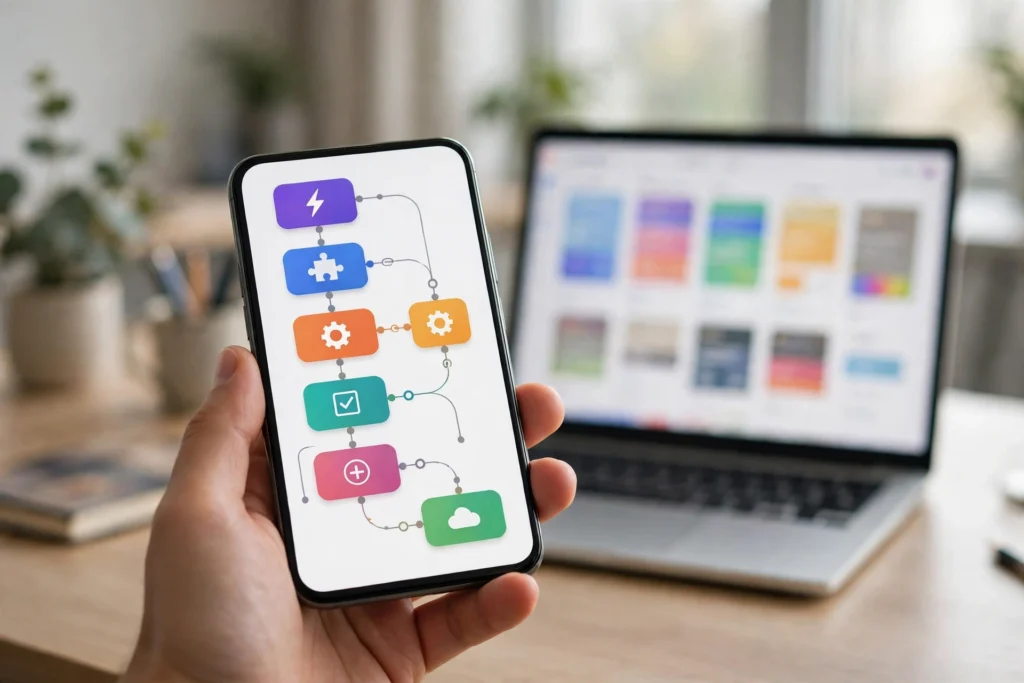
The Realistic Paths to Building an App Without Coding
AI Prompt-to-App Builders
These platforms take a plain-language description and generate a working app, handling authentication, database, and interface setup as part of the build. The best of them get close to a usable first result quickly, though how much fixing is needed afterward varies significantly between platforms.
No-Code Visual Builders
Visual, drag-and-drop platforms with a logic editor let a non-developer construct an app screen by screen, often with more predictable, controllable results than a single AI-generated first draft, at the cost of being slower to get started.
Managed “Build It For You” Services
Some platforms combine AI-assisted development with human product managers who scope the build, calculate a fixed price based on chosen features, and deliver a finished, owned app with a defined timeline. This suits people who want a working app without personally driving the build process at all.
What Actually Separates a Good “Build an App” Platform from a Weak One
| Criterion | Why it matters |
|---|---|
| AI output quality on the first try | Determines whether you spend minutes or hours fixing the initial result |
| Backend completeness | Whether authentication, database, and server logic are handled, or need manual setup |
| Deployment path | How many steps stand between “done building” and an app real users can access |
| Iteration stability | Whether asking for a change breaks unrelated parts of the app |
| Real-world cost | Sticker price plus token or credit overages and any third-party add-on costs |
Before You Start Building
- Decide whether you want to personally control the build or hand it to a managed service
- Check whether the platform lets you export the underlying code, in case you want to leave later
- Test the platform’s free tier or demo on a small, real feature before committing to a paid plan
- Read independent reviews and community discussions, not just the platform’s own marketing
- Confirm the deployment path to app stores or the web matches what you actually need
Frequently Asked Questions
Can I really build an app without any coding knowledge?
Yes, for many common app types, using either AI prompt-to-app builders or no-code visual platforms. More complex or highly custom apps may still benefit from some technical involvement or a managed build service.
How much does it cost to build an app using an AI platform?
Costs vary widely, from free tiers for basic testing to monthly subscriptions commonly in the $20 to $40 range for capable platforms, plus potential overage costs for heavy usage. Managed, fully built services typically price per project based on chosen features.
Will an AI-built app be stable enough for real users?
This depends heavily on the platform and the complexity of the app. Checking iteration stability, backend completeness, and independent user reviews before committing gives a clearer picture than a polished demo alone.
Do I own the app I build with an AI app builder?
This varies by platform. Some offer full code export and ownership, while others keep the app tied to their infrastructure. Confirming this before building is important if long-term independence matters.
What It Really Costs in 2026: Builder, Credits and Store Fees
Building an app without code is cheap to start and easy to underestimate. Three routes show the real first-year cost. Route one is a Glide internal tool. Glide Basic costs 25 dollars a month, and the app installs to a phone home screen as a web app. There is no App Store listing and no store fee. Route two is a Bubble web app. Bubble Starter costs around 29 to 39 dollars a month depending on billing date, and the free plan is build only, with no live deployment. Add a custom domain and a paid plan, and a realistic first year is roughly 400 to 600 dollars. Route three is an Adalo native app. Adalo Builder costs 65 dollars a month, and store publishing needs a paid tier. Add the Apple Developer fee of 99 dollars a year and the Google Play Console fee of 25 dollars one time, and the first year is roughly 900 dollars before you count any AI credits.
AI builders add a second cost that surprises new users. Lovable Pro costs 25 dollars a month for 100 credits, and small edits cost 0.50 to 0.90 credits each. Bolt Pro costs 25 dollars a month for 10 million tokens, but each message resyncs the whole project, so costs rise as the project grows. A sample build of a login screen, a dashboard, two tables and one API call took 15 to 20 prompts and an estimated 1.5 to 4 million tokens. The painful part is that AI builders charge while fixing their own mistakes. Every correction round burns more credits. A realistic floor for a small live app is 30 to 100 dollars a month all-in. The warning that matters most: the plan that builds is often not the plan that publishes. Thunkable, Adalo and Glide all gate store publishing or live deployment behind a higher tier than the one you start on.
From Prompt to App Store: The Publishing Steps Nobody Warns You About
Publishing is where no-code builders hide their hardest steps. Start by building the web version first and testing it on a real phone, not just in the builder preview. Then set up your store accounts. Apple Developer costs 99 dollars a year. Google Play Console costs 25 dollars one time, so the two together total 124 dollars in the first year. Prepare your store listing: an app icon, screenshots at the right sizes, a store description and a privacy policy. Then submit for review, which usually takes 1 to 3 days once submitted.
Two rules catch new publishers. First, Google requires new personal accounts to run a closed test with at least 12 testers for 14 continuous days before production access. Build that fortnight into your launch plan. Second, Apple Guideline 4.2 rejects apps that only wrap a website. Your app needs real native function, such as offline access, push notifications or device features, not just a web page inside an app shell. Which builders can reach the stores matters here. Glide and Softr cannot, because their apps are web apps only. Adalo, FlutterFlow and Thunkable publish true native apps. Bolt and Replit can reach mobile through Expo, with more setup. You do not need a Mac to publish to the App Store if your builder builds and submits for you, but if you build locally you do, or you can use a cloud build service such as Expo EAS Build. One more 2026 rule: Apple only accepts uploads built with Xcode 26 or later using the iOS 26 SDK since 28 April 2026, and Google requires new apps to target Android 16 since 31 August 2026.
Can I build an app for free and only pay when I publish?
Partly. Most builders let you build and test for free, but the free tier is for learning, not for a live app. Bubble free is build only with no live deployment. Glide free covers limited credits. Lovable free gives 5 build credits a day. You will need a paid plan to publish or to serve real users, and the publishing plan is often dearer than the building plan. Budget for the builder plan plus the 124 dollars in store fees in your first year.
Can a no-code app handle thousands of users?
It depends on the builder and the app. Bubble has real examples at scale, such as Dividend Finance, which processes billions of dollars in loans, and the National Zakat Foundation, which processes 25,000 aid applications a month. But tests report that weak no-code builds can strain around 100 active users, and visual builders commonly slow down around 1,000 users. Adalo users have reported slowdowns around 4,000 users. If your app is a simple directory or booking tool, no-code will cope. If it needs heavy real-time data or complex logic, plan for a rebuild in code later, as the Playgram team did after 158 days.
Final Thoughts
Building an app without a traditional development team is genuinely achievable in 2026, but the fastest-looking option is not always the most stable one. Testing a platform’s free tier on a real feature, checking backend completeness and iteration stability, and confirming code ownership before committing will usually matter more than which tool has the flashiest demo.
Related reading: AI Native Mobile App Builders and Anything AI (Create.xyz).
About the author: The AI Uptrend editorial team covers AI tools, platforms, and industry trends to help readers evaluate new technology with a clear, practical lens.